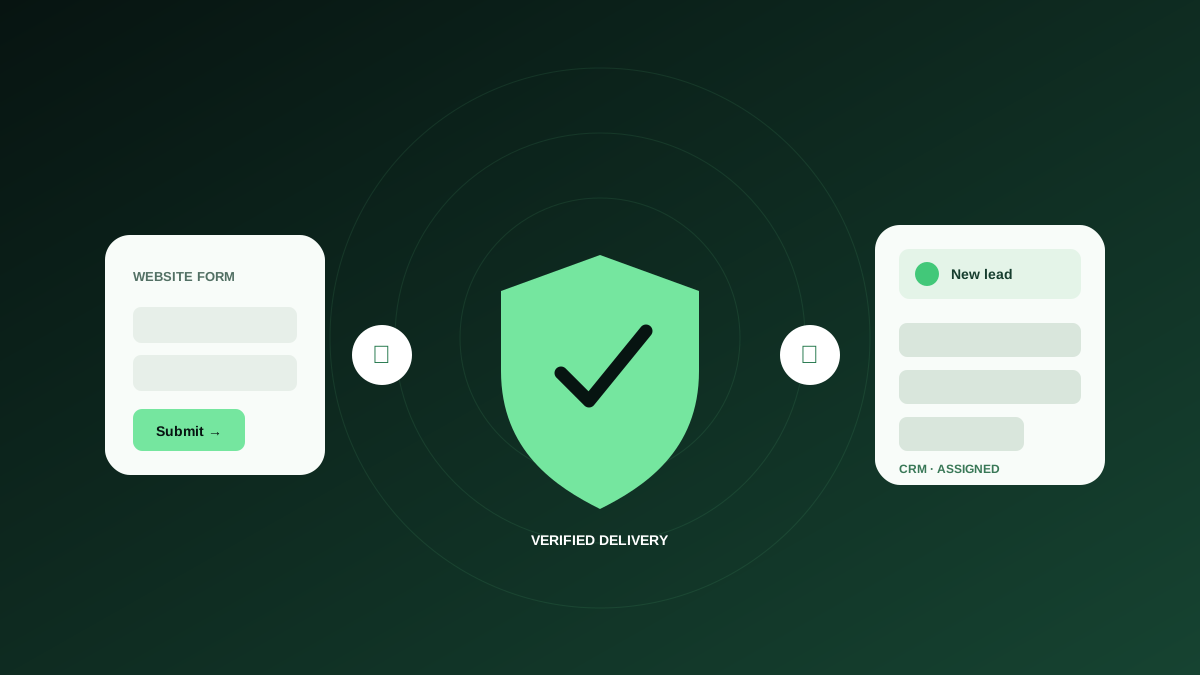
Most teams treat a lead as captured when someone presses Submit. The business result happens later: the data must be accepted, delivered, assigned, understood, and answered. Every handoff creates another place where an otherwise qualified prospect can disappear.
This guide shows how to prevent lost website leads by mapping the complete path from click to inbox, measuring the gaps, and assigning practical controls. It is written for small and medium businesses that need a reliable process without building an enterprise revenue-operations department.
Map the lead journey before choosing a tool
Draw the real path of one inquiry. Begin with the landing page and include the form provider, website server, spam protection, email service, CRM or help desk, assignment rule, notification recipient, and human response. If your team cannot name a step or owner, that is already a risk worth investigating.
Keep the map concrete. “The website sends an email” is not enough. Record which service sends it, which address appears in From and Reply-To, which mailbox receives it, whether a rule forwards it, and where the conversation is tracked. Hidden dependencies are responsible for many silent failures.
- Traffic source and landing page
- Public form and validation layer
- Submission endpoint or form platform
- Spam and abuse controls
- Email, CRM, help desk, or database destination
- Lead assignment and notification rule
- First-response owner and expected response time
Distinguish conversion problems from delivery problems
A conversion problem happens before a valid submission: visitors do not see the form, abandon it, misunderstand a question, or cannot recover from an error. A delivery problem happens after they try to submit: processing fails, the success state is misleading, a notification is blocked, a CRM integration breaks, or nobody receives the assignment.
The remedies differ. Shorter labels will not repair a broken webhook, and changing an email subject line will not help a form that is unusable on mobile. Divide your funnel into observable stages so you can diagnose the right layer instead of redesigning the page whenever lead volume drops.
- Form view: the visitor reached a page where the form was available.
- Form start: the visitor interacted with at least one meaningful field.
- Submission attempt: the visitor activated the final action.
- Apparent success: the browser displayed a success state.
- Confirmed delivery: the exact inquiry arrived at the intended destination.
- Qualified lead: the inquiry met your team’s criteria.
- Timely response: a person replied within the agreed service level.
Instrument the funnel, but do not confuse events with evidence
Google Analytics can measure form_start and form_submit interactions, and custom events can add context. That data helps identify abandonment and compare landing pages. However, a front-end form_submit event may fire before a server finishes processing, depending on the implementation. It is evidence of user behaviour, not proof of delivery.
Pair analytics with operational evidence. Count records created in the CRM, messages received in the help desk, or submissions stored by the form service. When possible, assign a unique submission identifier that travels through the workflow. Comparing browser events with destination records reveals where leads are leaking.
Action checklist
- Confirm what triggers each analytics event in your implementation.
- Never send personal form data into analytics event parameters.
- Count accepted submissions at the processing layer.
- Count delivered records at the final business destination.
- Reconcile the numbers on a regular schedule.
Audit the five most common silent failure points
First, inspect notifications. Messages may land in spam, be rejected because of domain authentication, or route to a former employee. Second, inspect integrations. API credentials expire, field names change, and automation usage limits can pause a workflow. Third, inspect validation and spam controls for false positives.
Fourth, inspect conditional logic. A form may work for one service selection and fail for another branch that few people test. Fifth, inspect success handling. Some interfaces show a generic thank-you after receiving a browser response even when downstream delivery later fails. Test every meaningful branch and follow the inquiry to the destination.
- Notification deliverability and mailbox rules
- Expired credentials, webhooks, and automation limits
- CAPTCHA, spam scoring, and blocked legitimate domains
- Conditional fields, routing, and campaign-specific branches
- False or premature browser success messages
Make email notifications deliverable and actionable
Form notifications should come from an address authorized to send for your domain, not from the visitor’s unverified address. Put the visitor address in Reply-To when appropriate. Configure SPF, DKIM, and DMARC with someone who understands your email service, then monitor delivery reports rather than assuming configuration never changes.
Write notifications for action. Include the form name, service requested, location or account context, submission identifier, and a clear link to the record. Avoid placing sensitive information in subject lines. Send to a managed group or shared system instead of relying solely on one employee’s mailbox.
Action checklist
- Use an authenticated sender aligned with your domain.
- Set Reply-To safely when staff should answer the visitor directly.
- Route high-value leads to a shared, monitored destination.
- Include enough context to triage without exposing sensitive details.
- Test delivery to the actual destination, including spam and quarantine.
Build failure handling for humans, not just logs
When a submission fails, the visitor needs an honest message and an alternative. Keep their entered information when safe, explain what happened in plain language, and offer a phone number or email address for urgent requests. “Something went wrong” without recovery instructions transfers the entire cost of the failure to the prospect.
Your team also needs an alert with diagnostic context: form, page, timestamp, environment, failure stage, and a reference identifier. Do not include passwords, card details, or unnecessary personal information. The alert should help an owner decide whether to retry, investigate an integration, contact a vendor, or activate a manual fallback.
- Tell the visitor whether the inquiry was received.
- Preserve entered values when a safe retry is possible.
- Offer a visible alternative contact method.
- Alert an owner with the failed stage and reference ID.
- Document the manual process used during an outage.
Reduce human lead loss after delivery
A technically successful form can still lose the opportunity. Leads may be assigned to someone on vacation, buried among general email, duplicated across systems, or answered too slowly. Define the response standard by lead type and business hours. High-intent quote, booking, or emergency requests may require a different workflow from newsletters or general questions.
Use ownership states such as new, assigned, contacted, waiting, qualified, and closed. Create a backup rule when a lead remains untouched beyond the response target. Review a small sample of conversations for response quality; a rapid automated acknowledgement is useful, but it is not the same as a helpful human response.
Action checklist
- Assign every lead type to a primary owner and backup.
- Define a realistic first-response target.
- Escalate unassigned or untouched leads.
- Separate automated acknowledgement from human response.
- Track the reason when a qualified lead is closed or lost.
Use a risk-based testing schedule
Not every form needs the same frequency. Score each one by submission volume, average opportunity value, campaign spend, seasonal importance, number of integrations, and availability of alternative contact paths. A heavily promoted quote form with several automations deserves more frequent testing than a low-volume feedback form.
Test immediately after deployments, plugin or theme updates, hosting migrations, DNS and email changes, CRM field changes, staff departures, spam-rule adjustments, and new campaign launches. Then automate recurring end-to-end checks. Automation does not replace ownership; it gives the owner earlier evidence.
- Daily: high-value sales, booking, admissions, donation, or active campaign forms.
- Weekly: important evergreen forms with moderate traffic.
- Monthly: low-volume, low-risk forms with clear alternatives.
- Immediately: after any change that touches the website, routing, email, or destination.
A simple lead-reliability dashboard
Small teams do not need dozens of charts. Review form starts, apparent submissions, confirmed deliveries, qualified leads, median first-response time, and unresolved failures. Add notes for campaigns, outages, and website changes so trends have context. Set thresholds that trigger investigation rather than relying on someone to notice a vague decline.
The key reconciliation is apparent submissions versus confirmed deliveries. The key operational measure is confirmed deliveries versus timely human responses. Together they show whether both technology and process are carrying the prospect forward. Review the dashboard with marketing and operations, because neither team owns the whole journey alone.
Reliability is a conversion strategy
Conversion optimization often focuses on headlines, layouts, and button copy. Those changes matter only if the resulting lead survives the system. Reliable processing, delivery, ownership, and response protect every improvement you make upstream.
Start by mapping one important form today. Send a uniquely labelled test, locate it at the final destination, and measure how long a useful response takes. Then close the first undocumented gap. Preventing lost website leads is not a one-time technical project; it is a manageable operating habit built around evidence.
Trusted resources
These external references informed the recommendations above and provide authoritative implementation detail.
- Google Analytics: Generate more leads on your website
Official guidance on measuring form views, starts, and submissions.
- Google Analytics: Event parameters
How parameters add context to measured interactions.
- OWASP Input Validation Cheat Sheet
Practical security guidance for browser and server-side input validation.
Common questions
Why do form submissions appear in analytics but not in the inbox?
The event may record a browser interaction before processing or delivery finishes. Investigate the form endpoint, notification service, spam filtering, email authentication, routing rules, and destination integration.
How can a small business know whether leads are being lost?
Compare form starts, apparent submissions, accepted submissions, and records confirmed at the final destination. Reconcile those counts and run uniquely labelled end-to-end tests.
Who should own website lead reliability?
Assign one accountable owner and a backup, but involve both marketing and operations. Marketing sees acquisition and conversion; operations sees delivery, assignment, and response.